CarPark Locator
Cross-platform parking assistant for drivers
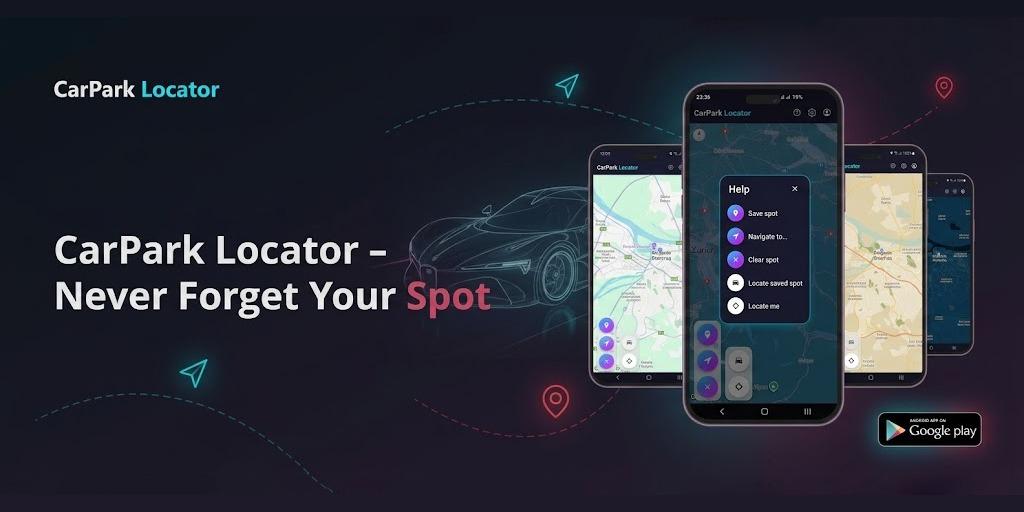
CarPark Locator is a map-first parking utility that helps drivers save where they parked, add quick context, and get back to the car through a fast mobile workflow supported by authentication, cloud sync, and a polished web layer.
Project type
Cross-platform utility product
Role
Full-stack developer
Year
2025
Scope
Product design, web experience, mobile workflow support, backend setup, auth flows, map integration, deployment
Summary
Built for
Drivers who park in unfamiliar streets, garages, event lots, or large parking areas and want a fast way to remember where the car is.
The problem
Forgetting where you parked is a small problem that creates immediate friction. If saving the location takes too much effort, users will abandon the tool and fall back to memory, screenshots, or messages.
Approach
CarPark Locator was designed as a narrow map-first utility: save one parking spot quickly, keep it tied to the user account, and make the return path immediate through recentering, note-taking, sharing, and navigation support.
Showcase story
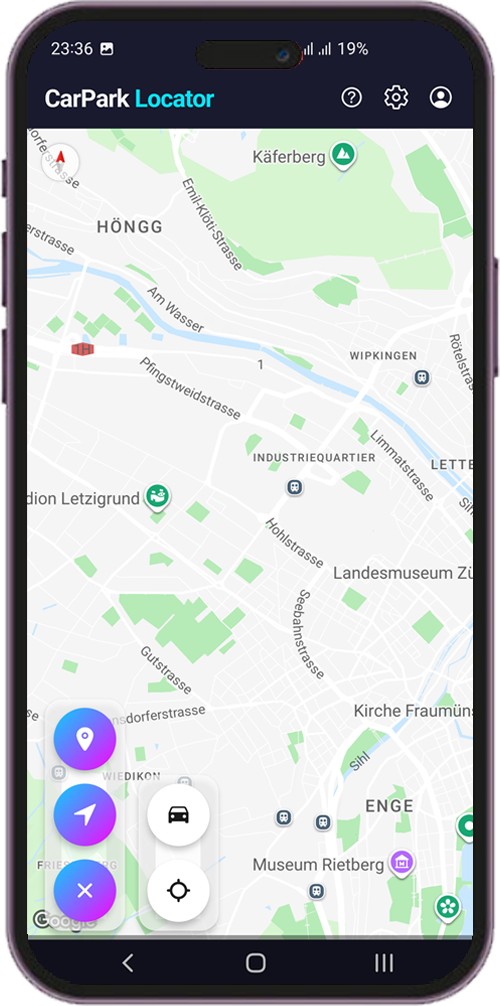
CarPark Locator started as a tightly scoped utility idea and evolved into a fuller cross-platform product. The mobile experience remains the core workflow: users land on a map, save their current parking position, optionally attach a short note, and return later with direct navigation support.
The problem
Forgetting a parking spot is a small problem with outsized friction. The product has to be faster than the confusion moment itself, otherwise users fall back to screenshots, memory, or messages.
What I built
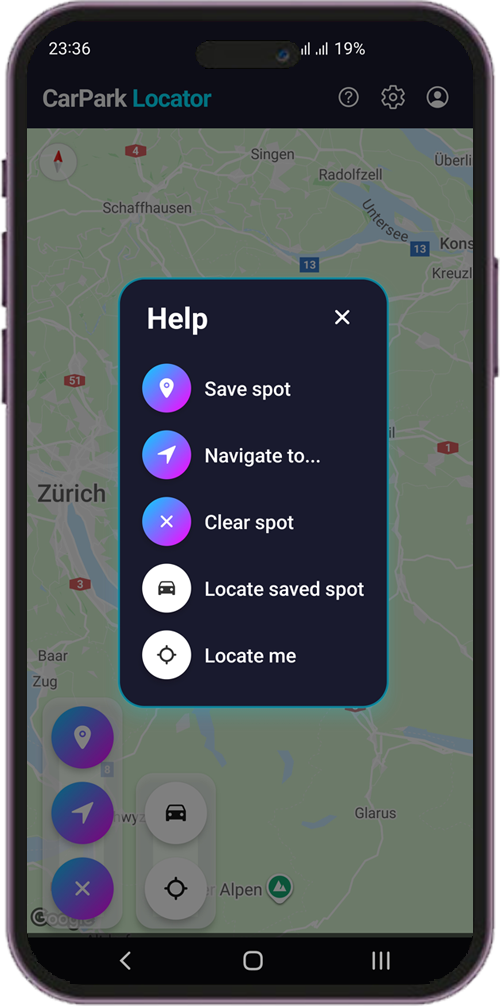
- A map-first mobile app for saving, viewing, and returning to a parking spot
- A short note attached to each saved parking location
- Recentering to the current position or the saved car location, with directions back
- Multiple map visual themes in the mobile app
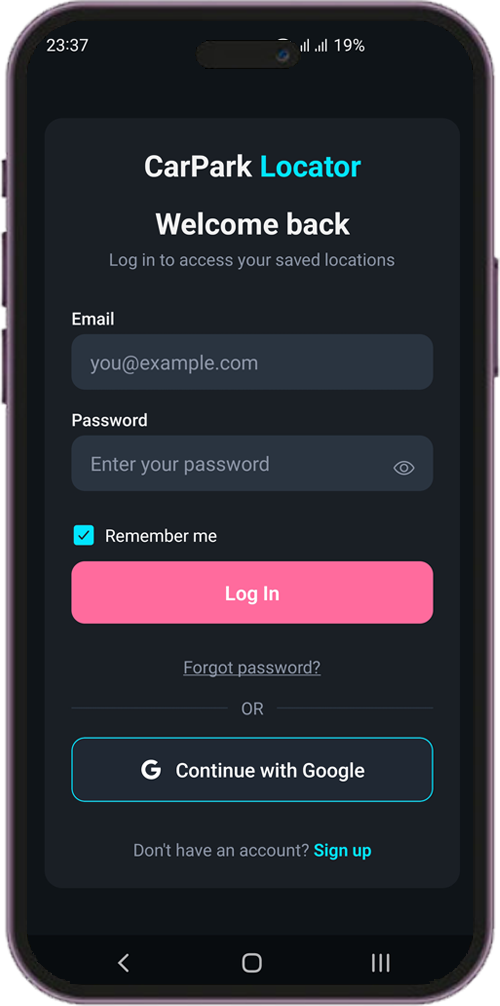
- Email/password and Google sign-in, with password recovery
- Per-user data persistence and account details via Supabase
- A public marketing website with product storytelling and FAQ content
- A mobile-gated web app shell that mirrors the core save-and-return flow, with local caching for resilience
Design decisions
The map stays central because location context is the product itself. Instead of layering the screen with cards and controls, the interaction model stays compact and anchored around a few high-frequency actions. The project also intentionally avoids feature sprawl. Rather than expanding into broader car-management or travel features, it stays focused on one real-world user moment and builds a polished supporting system around it.
Under the hood
The mobile app is the product core, backed by Supabase for authentication and per-user data. The web layer supports discovery and mirrors the core flow through a mobile-gated app shell, with local caching as a fallback when connectivity drops.
Why it matters
This project signals:
- Solving a concrete real-world problem outside standard dashboard/SaaS patterns
- Cross-platform product thinking across mobile, web, backend, and auth
- Scoped product strategy instead of feature sprawl
- Implementation depth beyond visuals: sessions, permissions, sync, and location UX
Final positioning line
A cross-platform parking utility that turns a small everyday frustration into a fast, account-backed, map-first workflow.
Under the hood
The mobile app is the core product surface, built with React Native, while the web layer (React + TypeScript) handles marketing, authentication, and a mobile-gated app shell that mirrors the core save-and-return flow. Supabase provides auth and per-user data storage on both platforms, with local caching as a resilience fallback when connectivity drops.
React Native
Cross-platform mobile app experience
React + TypeScript
Web landing page and web app shell
Supabase
Auth, per-user data, and backend services for both platforms
Google Maps
Location display, geocoding, and navigation
Tailwind CSS + shadcn/ui
Web design system
Local device caching
Offline resilience with sync back to the cloud
Related work
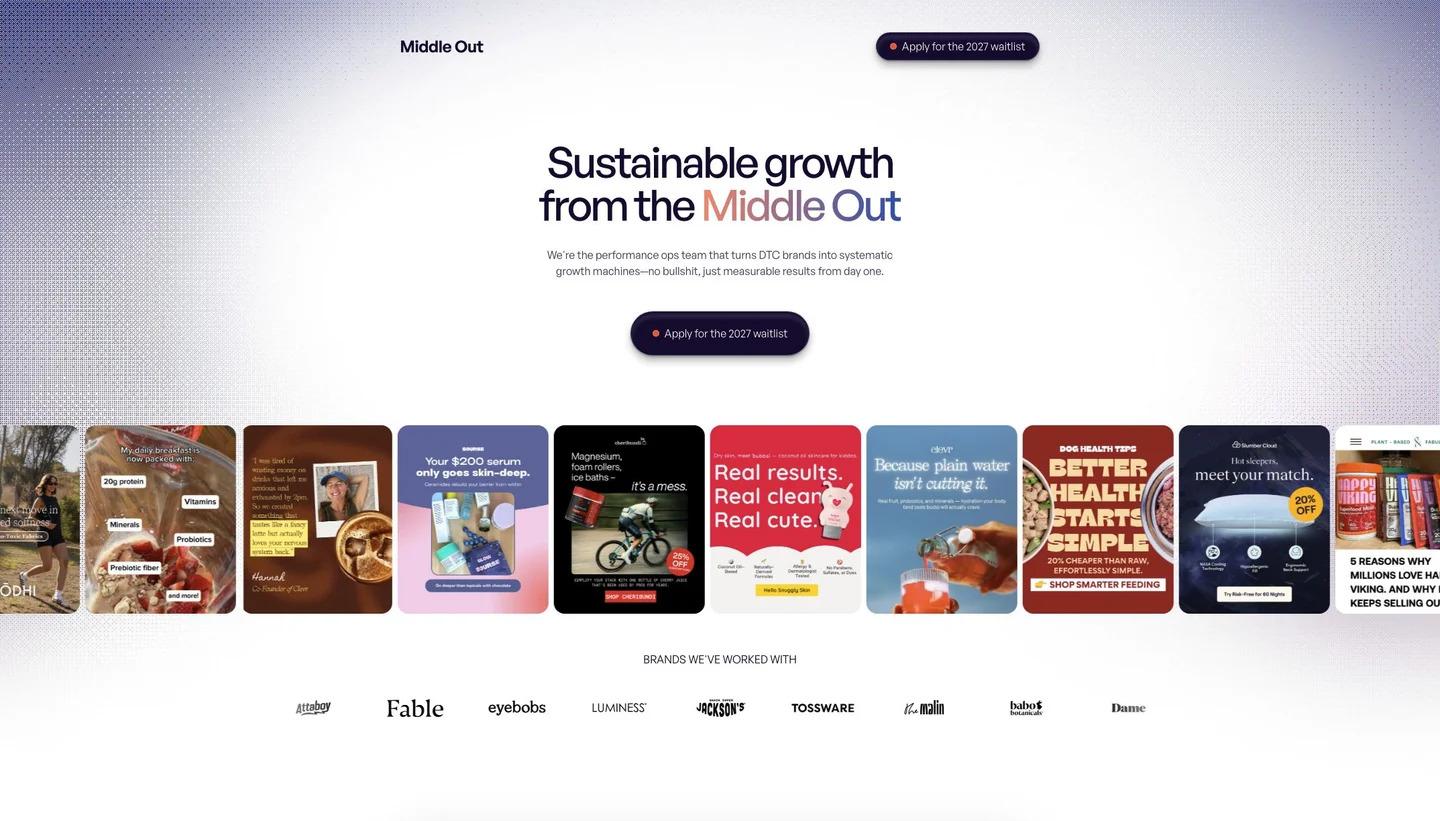
MiddleOut Analytics - AI-Powered Ecommerce Platform
Context-aware AI analyst for ecommerce analytics
Open showcase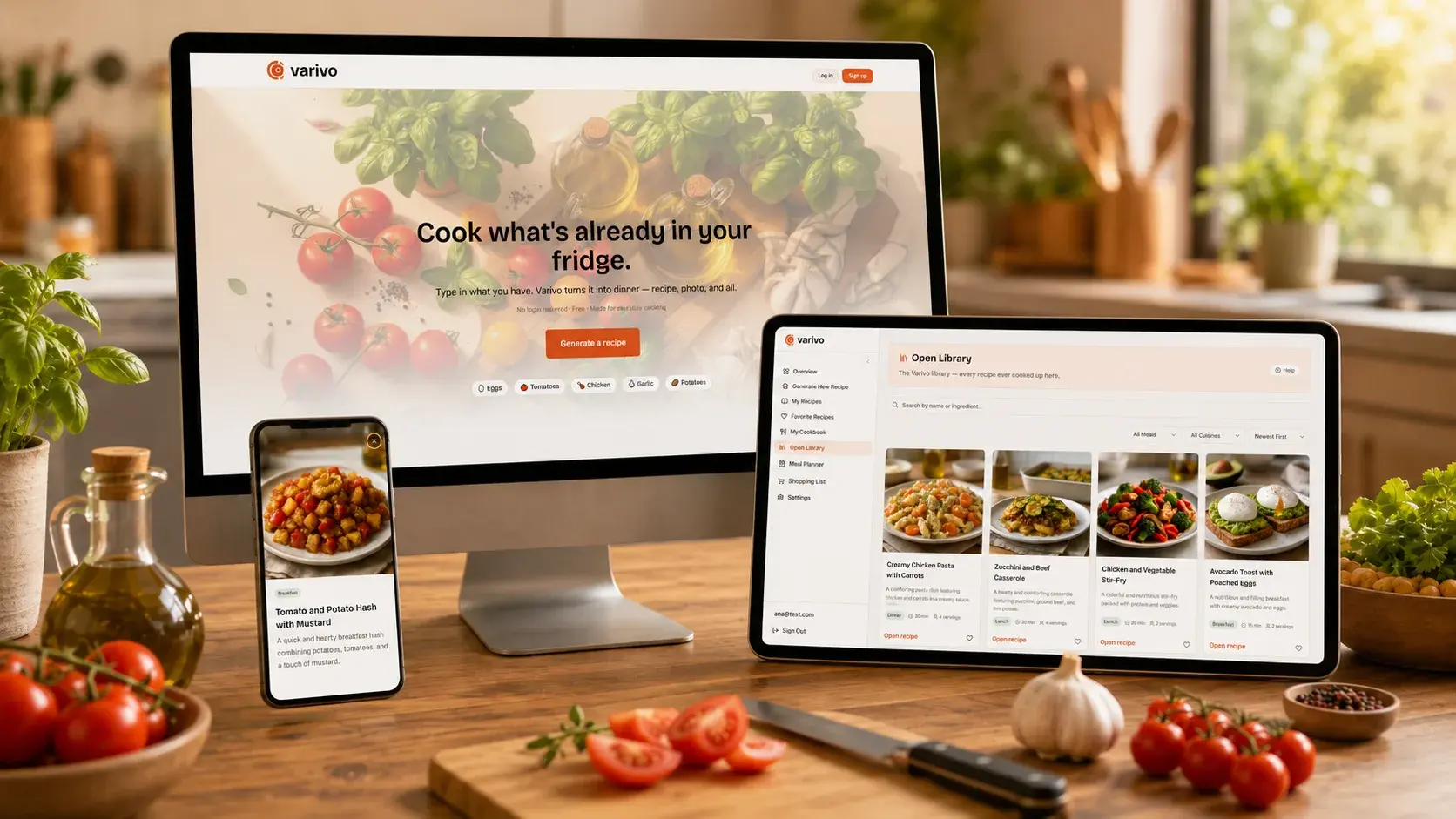
Varivo
AI recipe generator for everyday cooking
Open showcase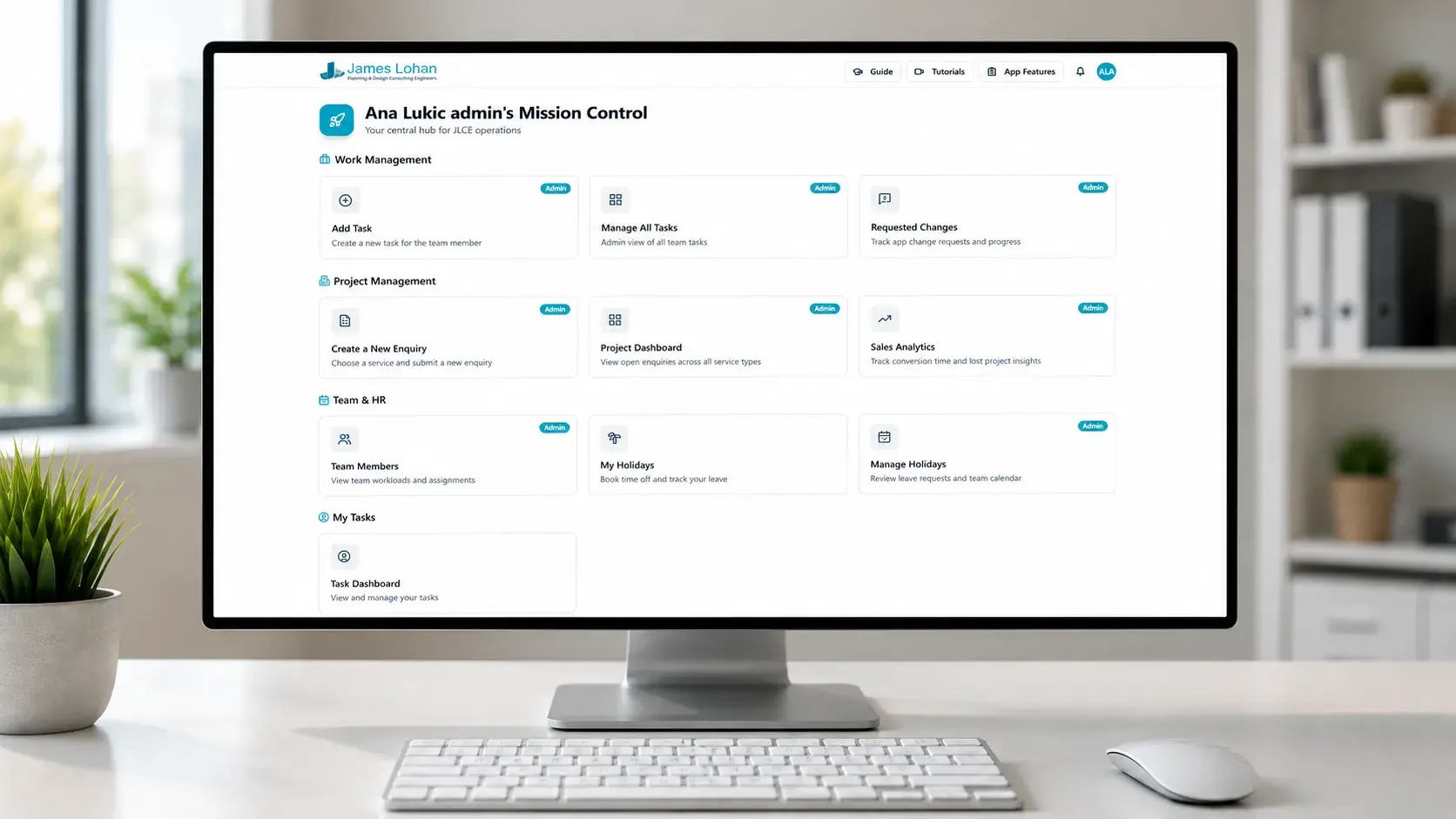
James Lohan Mission Control
Internal operations platform for a multi-service engineering workflow
Open showcase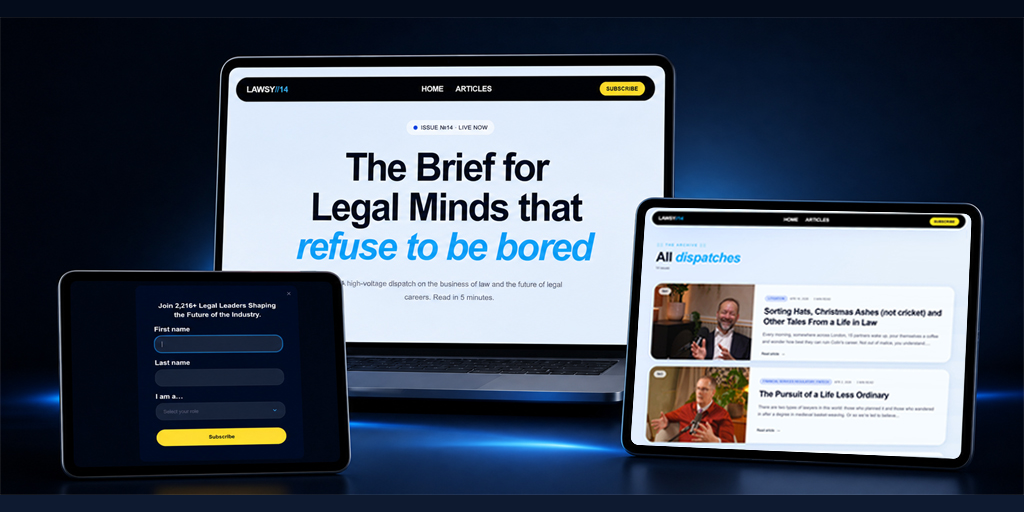
Lawsy
Editorial newsletter platform for modern legal minds
Open showcase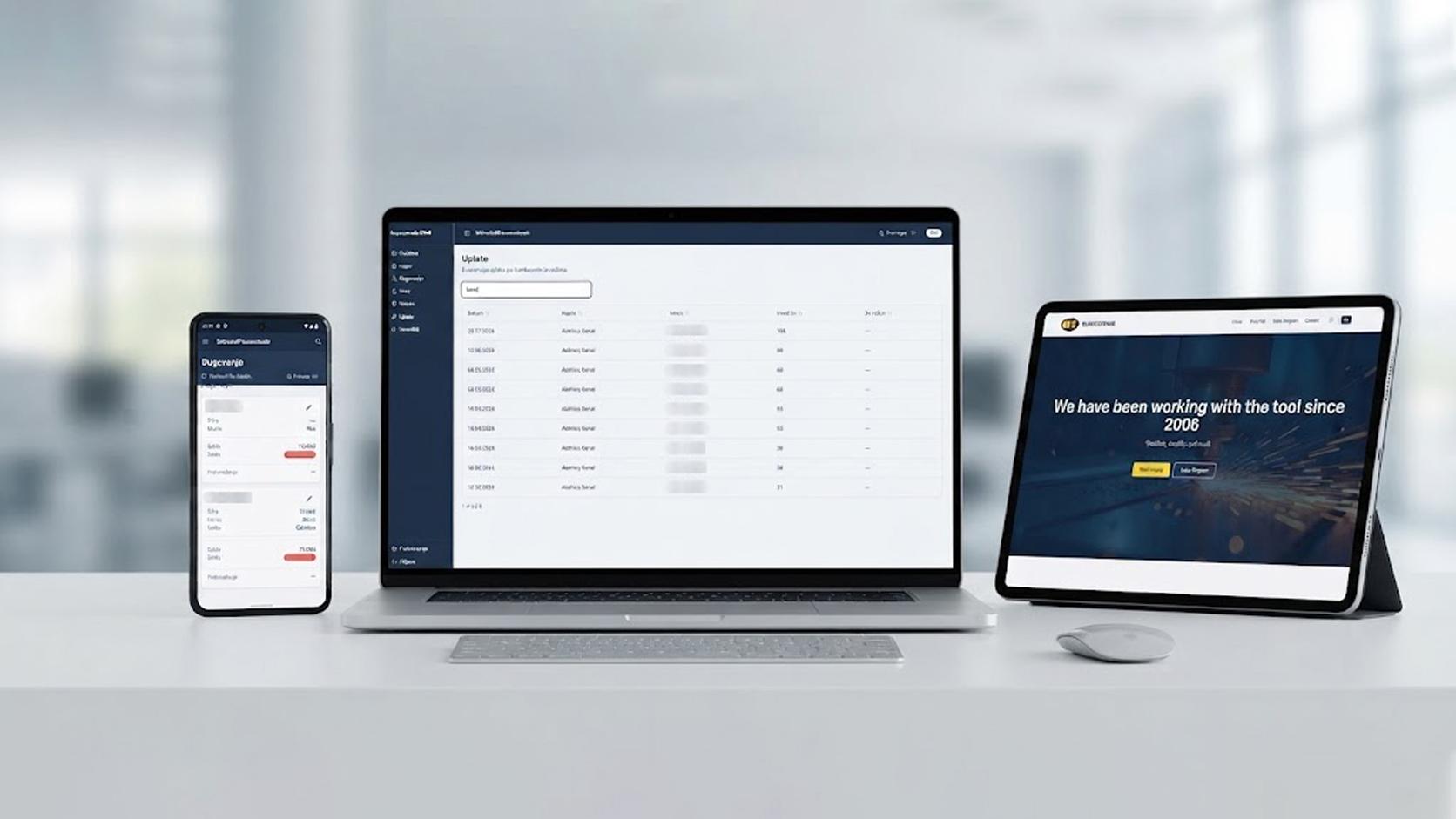
Busscotrade
Public B2B website + private internal CRM for invoices, receivables, inventory, payments, and reporting
Open showcase
Eye Line
Bilingual ophthalmology platform with a public clinic website and an internal scheduling dashboard
Open showcase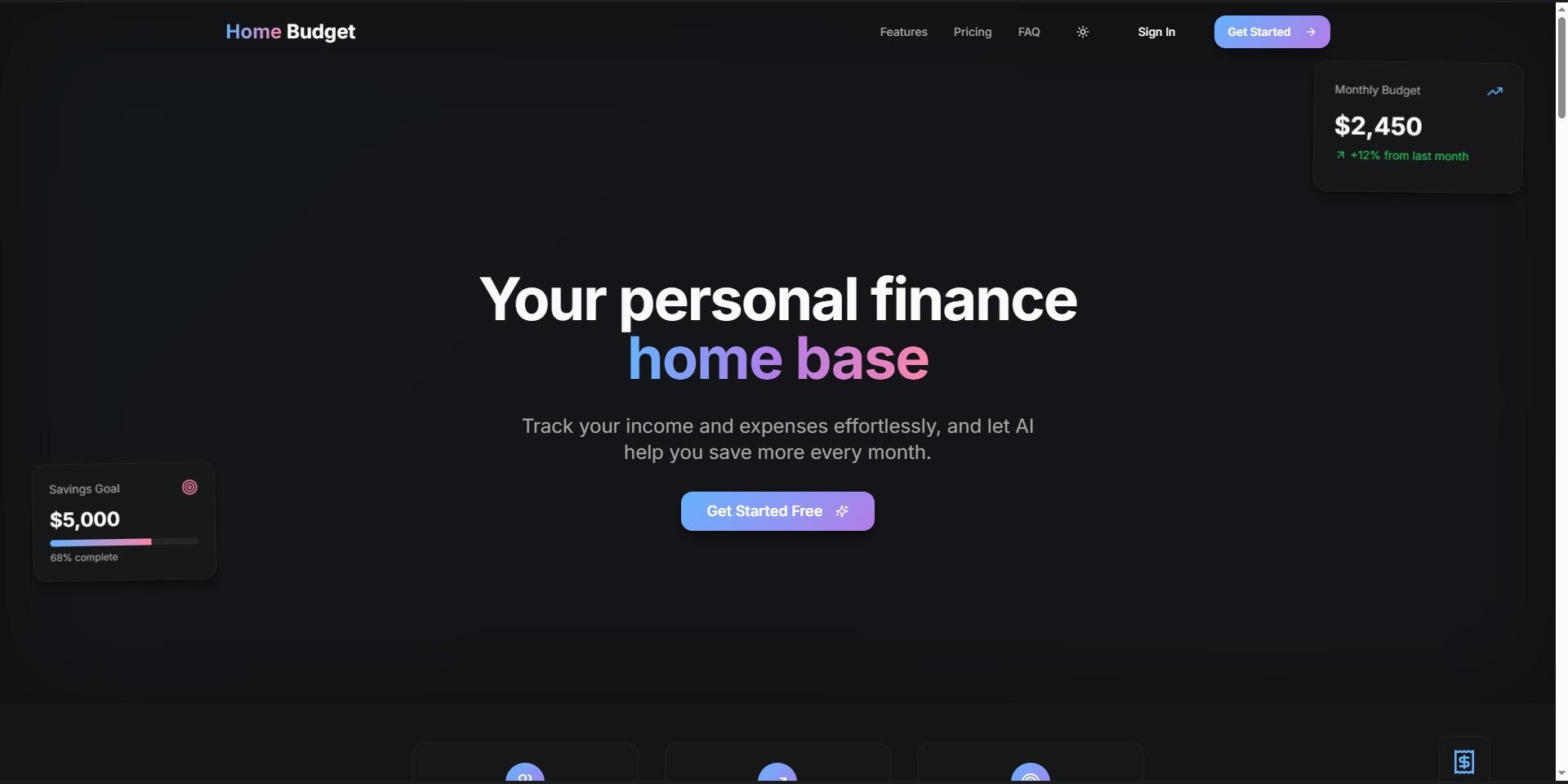
Home Budget
AI-powered personal finance dashboard
Open showcase